Visual content is no longer optional. From social media campaigns to blog graphics, product photography, and AI-generated artwork, businesses and creators rely heavily on powerful image tools to stay competitive online. The challenge is choosing the right platform from hundreds of available options.
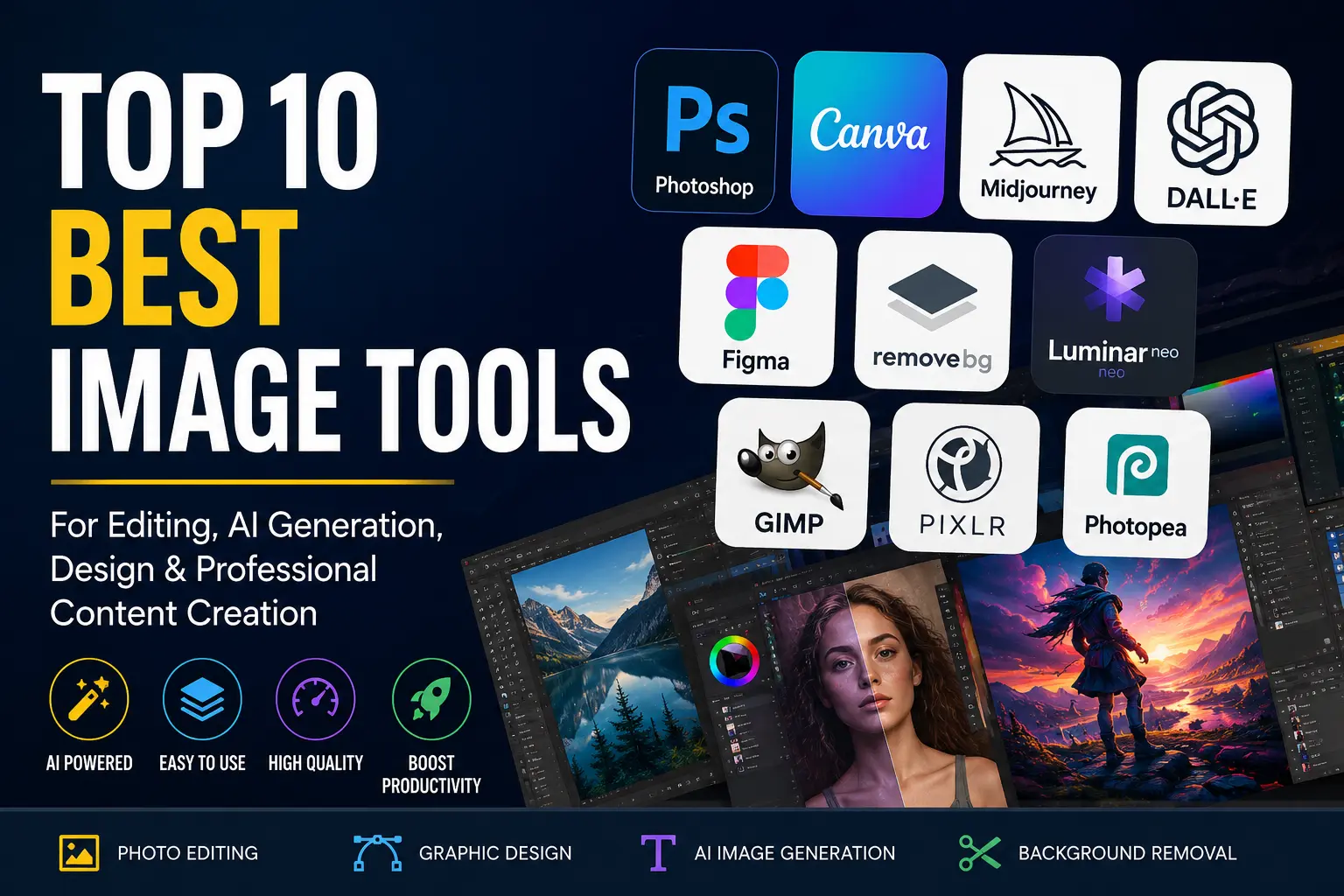
In this guide, we’ll cover the top 10 best image tools in 2026 based on usability, AI capabilities, editing power, collaboration features, and value for money. Whether you are a graphic designer, marketer, photographer, content creator, or beginner, these tools can improve your workflow and help produce professional-quality visuals faster.
1. Adobe Photoshop
Adobe Photoshop remains the industry standard for image editing. It offers unmatched precision for retouching, compositing, digital painting, and graphic design.
Key Features
- AI-powered Generative Fill
- Advanced layer editing
- RAW image processing
- Professional retouching tools
- Smart object support
Pros
- Extremely powerful editing capabilities
- Massive plugin ecosystem
- Trusted by professionals worldwide
Cons
- Steeper learning curve
- Subscription pricing may not suit beginners
Photoshop is ideal for professionals who need full creative control and advanced editing features.
2. Canva
Canva transformed graphic design by making it accessible to everyone. Its drag-and-drop interface allows users to create professional graphics without design experience.
Key Features
- Thousands of templates
- AI image generation
- Brand kit management
- Background remover
- Team collaboration tools
Pros
- Very easy to use
- Excellent for social media graphics
- Affordable pricing options
Cons
- Limited advanced editing compared to Photoshop
Canva is perfect for startups, bloggers, influencers, and businesses that need fast and attractive visual content.
3. Figma
Figma has become the preferred tool for interface design and collaborative workflows. It allows multiple team members to edit projects in real time.
Key Features
- Cloud-based collaboration
- Interactive prototyping
- Design systems support
- Developer handoff tools
- AI-assisted design workflows
Pros
- Excellent for remote teams
- Fast and responsive interface
- Browser-based accessibility
Cons
- Less suitable for heavy photo manipulation
For product designers and UI/UX professionals, Figma is one of the best image and interface tools available today.
4. Midjourney
Midjourney is one of the most popular AI image generation tools in the world. It produces cinematic and artistic visuals from simple text prompts.
Key Features
- High-quality AI art generation
- Stylized image outputs
- Creative concept design
- Fast rendering engine
- Community-driven inspiration
Pros
- Stunning artistic results
- Excellent for concept art
- Strong AI creativity
Cons
- Requires prompt experimentation
- Less control over precise edits
Designers, advertisers, and content creators use Midjourney to create unique visuals that stand out online.
5. Affinity Photo
Affinity Photo is often considered the best alternative to Photoshop. It delivers professional-grade editing features without requiring a monthly subscription.
Key Features
- RAW editing
- HDR merging
- Layer-based workflows
- Advanced selection tools
- High-performance rendering
Pros
- One-time payment
- Powerful editing tools
- Great performance
Cons
- Smaller plugin ecosystem
If you want professional image editing without recurring costs, Affinity Photo is an excellent choice.
6. Pixlr
Pixlr offers browser-based editing tools with surprisingly advanced capabilities. It works well for users who need fast edits without installing software.
Key Features
- AI background removal
- Filters and overlays
- Online editing workspace
- Mobile compatibility
- Layer support
Pros
- Accessible from any browser
- Easy to use
- Fast editing process
Cons
- Limited advanced features
Pixlr is ideal for quick graphic edits, thumbnails, and social media content creation.
7. GIMP
GIMP is a completely free image editing tool that offers many features similar to premium software.
Key Features
- Advanced retouching tools
- Layer support
- Custom plugins
- Open-source flexibility
- Cross-platform support
Pros
- Completely free
- Highly customizable
- Strong community support
Cons
- Interface feels outdated
- Learning curve for beginners
For users looking for a free Photoshop alternative, GIMP remains one of the best options available.
8. Leonardo AI
Leonardo AI is rapidly growing among creators who need high-quality AI-generated assets for games, branding, and digital marketing.
Key Features
- AI-powered asset creation
- Style customization
- Fast generation speed
- Prompt enhancement
- Commercial-use support
Pros
- Excellent visual quality
- Strong customization options
- Useful for professional workflows
Cons
- Requires learning prompt techniques
Leonardo AI is especially useful for businesses that need scalable visual content production.
9. Remove.bg
Remove.bg specializes in one task and does it exceptionally well — removing image backgrounds instantly using AI.
Key Features
- One-click background removal
- Transparent PNG exports
- API integration
- Batch processing
- High-speed processing
Pros
- Extremely fast
- Accurate AI detection
- Saves editing time
Cons
- Limited beyond background editing
E-commerce businesses, photographers, and marketers frequently use Remove.bg for product images and marketing materials.
10. Photopea
Photopea is a surprisingly powerful online editor that supports PSD, AI, XD, and Sketch files directly in the browser.
Key Features
- Photoshop-like interface
- File format compatibility
- Layer editing
- No installation required
- Free access
Pros
- Works entirely online
- Familiar interface for Photoshop users
- Excellent format support
Cons
- Ads in free version
Photopea is one of the best solutions for users who need professional editing tools without expensive subscriptions.
How to Choose the Best Image Tool
The right image tool depends on your specific needs and skill level.
Choose Photoshop or Affinity Photo if:
- You need advanced photo editing
- You work professionally with images
- Precision editing matters
Choose Canva or Pixlr if:
- You want fast content creation
- You are a beginner
- You manage social media graphics
Choose Midjourney or Leonardo AI if:
- You want AI-generated visuals
- You create digital art or branding concepts
- You need creative inspiration
Choose Figma if:
- You design websites or apps
- You collaborate with teams
- You need UI/UX workflows
Why AI Image Tools Are Growing Rapidly
AI-powered image tools are transforming the creative industry. Businesses now generate marketing visuals, product mockups, and branded assets in minutes instead of days.
Modern AI tools can:
- Create original artwork
- Remove backgrounds automatically
- Enhance image quality
- Generate product photography
- Produce social media graphics instantly
This technology helps companies reduce costs while increasing content production speed.
Final Thoughts
The best image tool ultimately depends on your workflow, goals, and budget. Professional designers may prefer Adobe Photoshop or Figma, while beginners often find Canva more approachable. AI-focused creators are increasingly choosing Midjourney and Leonardo AI for innovative visual generation.
As visual content continues to dominate digital marketing, investing in the right image software can dramatically improve productivity, branding, and audience engagement.
Whether you need advanced editing, AI-generated art, or quick social media graphics, the tools listed above represent the best image solutions available in 2026.